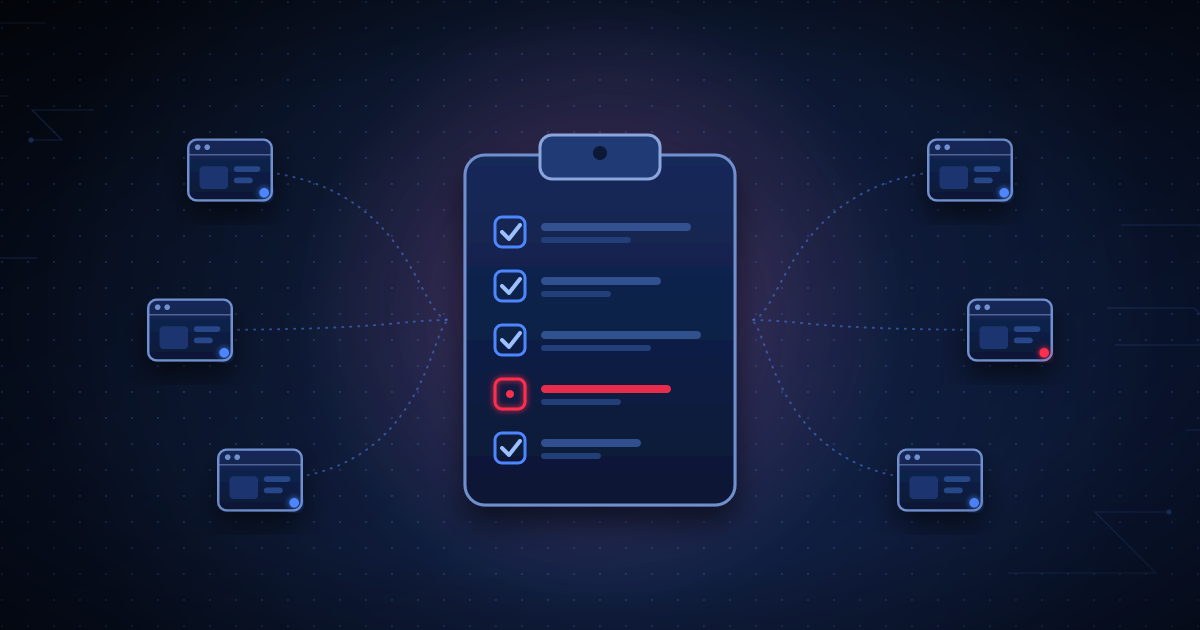
The gap between maintaining one WordPress site and maintaining a real portfolio of client sites isn’t just volume — it’s that manual, memory-dependent processes that work fine for one site quietly fail as soon as there are more sites than any one person can hold in their head.
Daily
- Uptime check across every managed site (should be continuous and automatic, not a manual daily task)
- Failed login volume review for any site showing an unusual spike
- Confirm the previous day’s scheduled backups actually completed successfully — a backup job that silently fails is worse than no backup job, because it creates false confidence
Weekly
- Review and apply non-critical plugin/theme updates across the portfolio, after checking each for known-breaking changes
- Spot-check disk space and PHP error logs for any site trending toward a resource limit
- Review any file integrity or malware-signature alerts generated during the week, even ones already auto-resolved, to catch a pattern across multiple sites
Immediately, not on a schedule
- Any update that patches a publicly disclosed, actively-exploited vulnerability — this is the one category where "weekly batch" is too slow
- Any critical security alert — new unexpected admin account, modified core file, detected malware signature
- Site-down alerts, after the monitoring system’s own noise-filtering (two consecutive failures, not one) has already ruled out a transient blip
Monthly
- Send the client-facing maintenance report — uptime, updates applied, security events, current health
- Review SSL certificate and domain registration expiry across the whole portfolio, since both tend to fail silently until the week they actually expire
- Full WordPress core version audit — confirm no site has drifted onto an unsupported major version
Why this needs tooling, not discipline
None of the items above are individually hard. What breaks at scale is remembering to do all of them, for every site, on schedule, without anything falling through the cracks during a busy week. The agencies that manage a large portfolio reliably are almost never the ones with the most disciplined manual process — they’re the ones who’ve made the checklist run itself, with a human reviewing exceptions instead of manually checking everything that’s already fine.
WPGuard automates most of this checklist — continuous uptime/file-integrity monitoring, real-time critical alerts, and scheduled reporting — so the checklist runs itself instead of depending on someone remembering it. See Pricing for per-site cost across a portfolio, or the Security page for the detection model behind it.