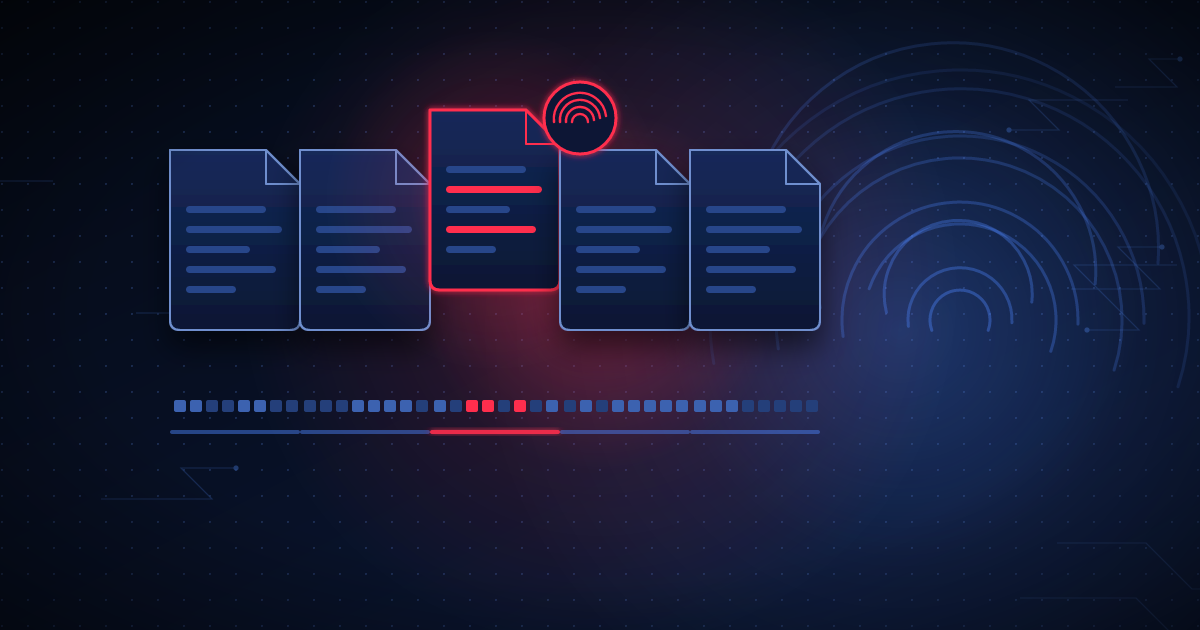
Most WordPress security tools scan for malware the same way antivirus software has worked for decades: maintain a library of known-bad code patterns, and flag any file that matches one. This works well against malware that has already been seen, cataloged, and fingerprinted somewhere. It fails, by design, against anything new.
File integrity monitoring doesn’t ask "does this file look like known malware?" It asks "is this file identical to what it was supposed to be?" For WordPress core, that’s straightforward — the WordPress project publishes official checksums for every release, so any core file that doesn’t match its expected hash has been altered by something other than a WordPress update, whether or not the change matches a known malware signature.
There’s no universal checksum registry for the 60,000+ plugins in the WordPress ecosystem, so file integrity monitoring for plugins/themes works differently: it establishes a baseline the first time it sees a clean install, then alerts on any file that changes outside of a legitimate update event. A plugin file that changes between two scheduled update checks, with no corresponding version bump, is a strong signal — either a compromised update mechanism or a direct file modification by an attacker who already has write access.
Because the check is "did this change unexpectedly," not "does this match a known pattern," it catches custom-written malware that no signature database has ever seen, as effectively as it catches something generic and widely distributed. This matters more than it might seem — targeted attacks on higher-value sites frequently use custom payloads specifically to avoid signature detection.
A site with hand-edited theme files or a custom plugin will show "changes" against any baseline, which is why file integrity monitoring needs a way to establish and update a trusted baseline — either by scoping strictly to core/wp-admin/wp-includes where legitimate customization essentially never happens, or by letting an administrator explicitly approve a known change rather than silently ignoring it.
Signature scanning and file integrity monitoring aren’t competing approaches — they cover different gaps. Signature scanning catches known malware quickly, even in a file that was always part of the install. File integrity monitoring catches anything that changed, known or not. A site protected by only one of the two has a real, specific blind spot.
WPGuard runs exactly this kind of checksum-based core integrity check alongside a plugin/theme baseline on every scan — see the Security page for the full detection model, or Pricing for per-site cost.
Connect a site in a few minutes and get your first inventory scan back immediately.
Try free →