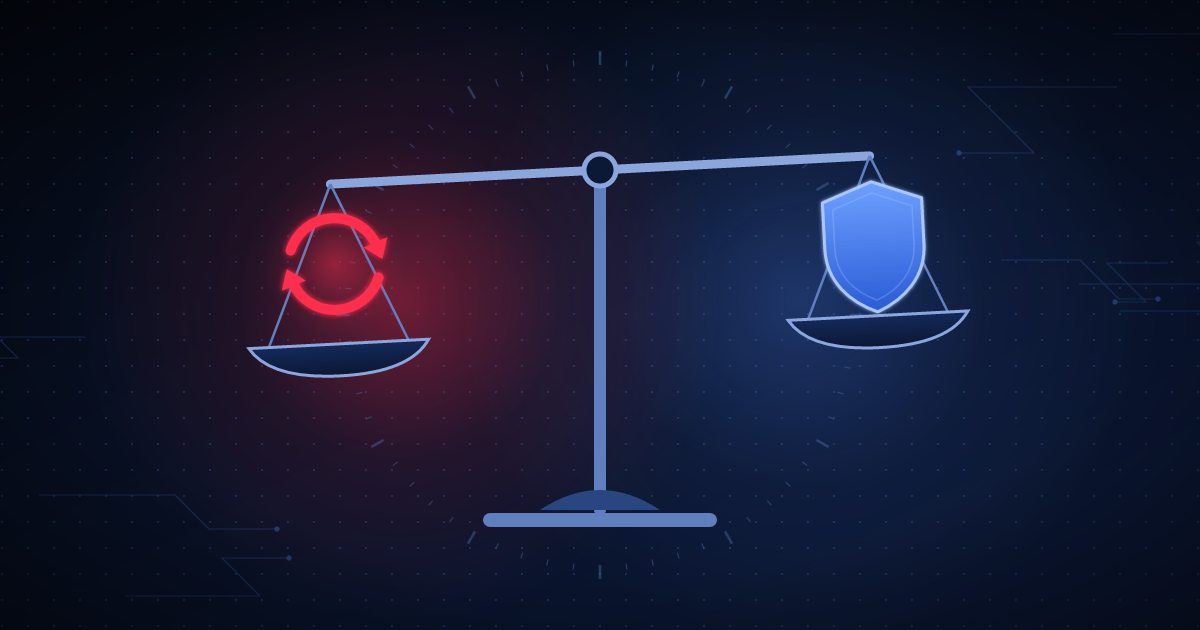
Ask ten WordPress developers when plugins should be updated and you’ll get answers ranging from "immediately, always" to "never touch a site that’s working." Both extremes cause real damage — one from update-induced breakage, the other from running known-vulnerable code for months. The right answer depends on what actually changed in the update.
When an update patches a known vulnerability — especially one already being actively exploited, which is common within days of public disclosure — the risk calculation changes completely. A vulnerable plugin sitting unpatched for weeks is a far larger real-world risk than the small chance that a security-focused update breaks something. This is the one category where "update quickly" is close to always correct, ideally within 24–48 hours of the patch being available.
Minor version updates that add features rather than fix security issues carry lower urgency and can reasonably be batched — reviewed weekly or biweekly rather than applied the moment they appear. This gives the wider WordPress community time to surface any regressions before you apply the update to a production site.
A major version bump (the kind that often changes a plugin’s data structure, settings layout, or dependency requirements) deserves a staging-environment test before it touches a production or client site, regardless of urgency. This is where the majority of real "the update broke my site" incidents actually come from.
The honest reason many developers avoid updates isn’t laziness — it’s that a failed update with no backup and no health check is a genuine, hard-to-reverse risk. The right mitigation isn’t avoiding updates; it’s pairing every update with a real backup beforehand and an automatic post-update check (does the site still load without a fatal error, is the updated plugin still active) so a bad update gets caught and flagged within minutes instead of discovered by a client days later.
WPGuard's automated update management includes the safety net this article argues for — a post-update health check and immediate alert if something breaks, not just a silent update. Details are on the Security page; per-site pricing is on the Pricing page.
Connect a site in a few minutes and get your first inventory scan back immediately.
Try free →